
An empty table is pretty sad, right? Let’s fix that.
There are two main ways to get data into your TrueRanker backlinks list: we can find them for you, or you can bring your own. Let me explain how each one works so you can choose the best option for your needs.
1. Discover Backlinks (Let us do the work) #
If you want to know who is linking to you but don’t have a list, use our Discover tool. You will find this button right above your main backlinks table.
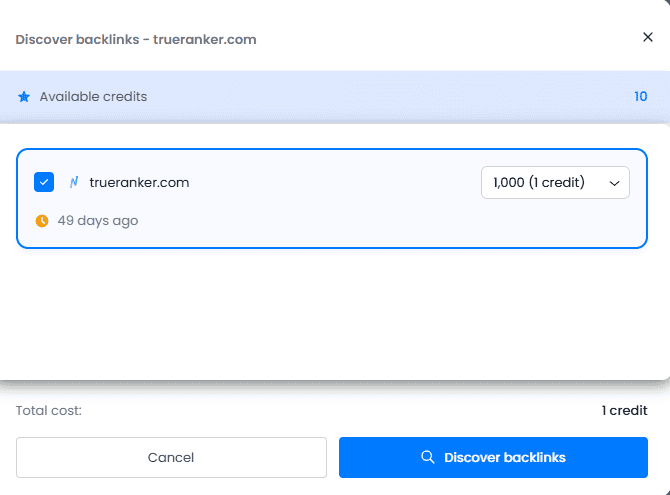
Here is how it works:
- We crawl the web to find links pointing to your domain.
- The Cost: This feature works with Credits. To get 1,000 backlinks, you use 1 credit.
- The Price: You can buy a pack of 100 credits for just $29.
- The Best Part: These credits never expire. You can use them today, next month, or next year. You can use them for your project or to spy on your competitors’ backlinks. Total freedom.
Once the process finishes, you’ll see the “Last updated” date, so you know exactly how fresh your data is.
2. Import Backlinks (Bring your own data) #
Maybe you are migrating from another tool, or perhaps you just finished a link-building campaign and you know you have links that our crawlers haven’t found yet.
Don’t wait for us! You can add them manually.
Click on the “Insert new backlinks” or “Import” button. You have two options here:
A. Manual Entry: Perfect for adding just one or two links. Just type the URL, and we will start monitoring it.
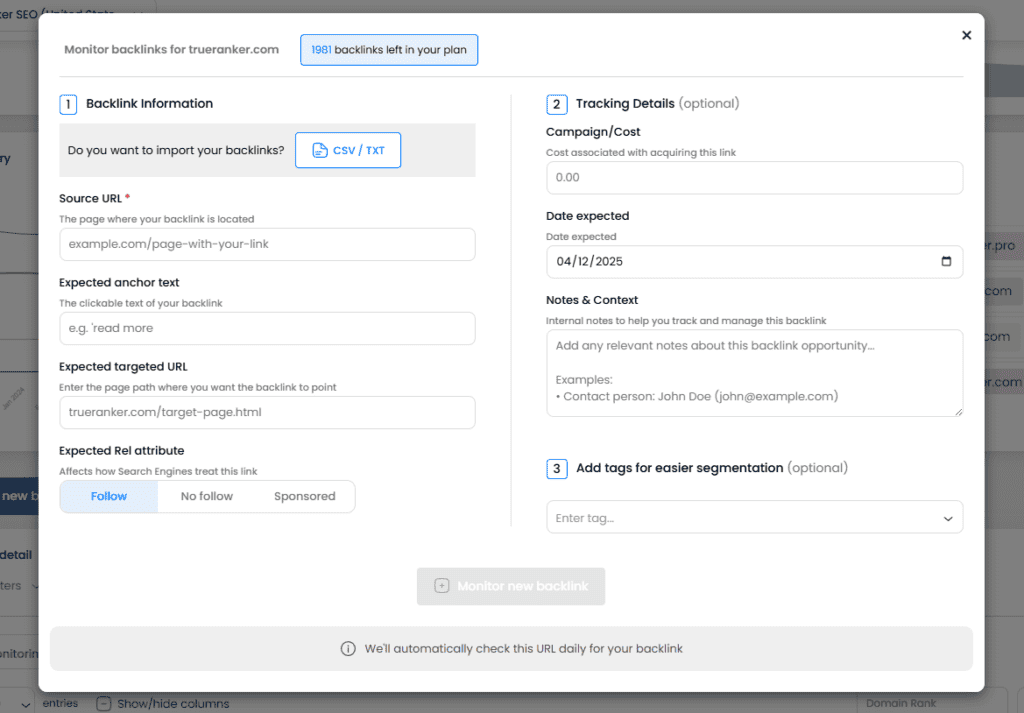
B. Bulk Import via CSV (Super Potent! 🚀) This is for the pros. If you have a massive list of backlinks in an Excel or CSV file, you can upload them all at once.
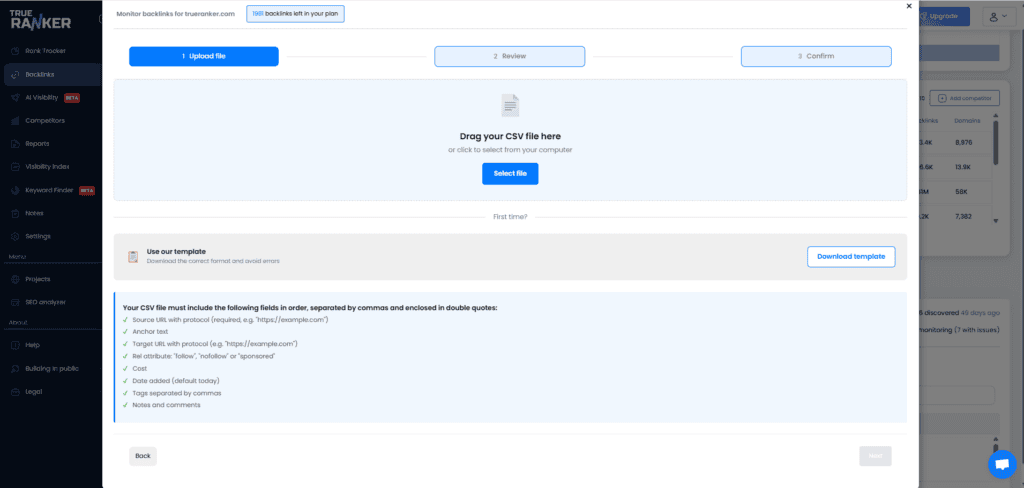
- Format: We make it easy. We provide a “Download example file“ link right in the window. Just download it, fill it with your URLs, and upload it back.
- Limit: You can upload thousands of links in seconds.
👉 Note: Once you import links (manually or via CSV), they are added to your project and we start monitoring them daily automatically.
Now that your table is full of data, let’s look at how to manage and filter it in the next article.